Testing communication between Lizzox Pure Flood and myDatanet server (local radio connection)
- Within the desired customer, create a new site/application for operation of the Lizzox Pure Flood on the myDatanet server (see Creating the site).
- Use the "OnSite
Companion smartphone app to
synchronise Lizzox Pure Flood
and the myDatanet server (see Synchronisation with the myDatanet server). Select "Synchronise device", use the magnifying glass icon to search
for compatible devices and click on the desired device in the list displayed.
The application can also be accessed as a progressive web app (https://companion.microtronics.com/). This means that a PC or laptop can also be used instead of a smartphone. However, in this case, the search for devices within range is not available. The serial number must be entered manually or scanned using the camera icon.
Note: Only Lizzox Pure Flood that are set to "active" mode are displayed in the "OnSite Companion" smartphone app. - Configure the created
site/application according to your requirements (see Site configuration).
The following configurations should be set if you also want to thest the recording of the measurement values at the same time:
- Check or enter the mounting height (see Sub Level settings) of the sensor modules in the relevant input fields.
- Ensure that the parameters "Offset" and "trimming" are set to 0 (see Universal channel)
- Trigger the synchronisation between Lizzox Pure Flood and the myDatanet server again to transmit the configurations of the site to the Lizzox Pure Flood .
- Wait until the "OnSite
Companion" smartphone
app indicates that the synchronisation process is completed.
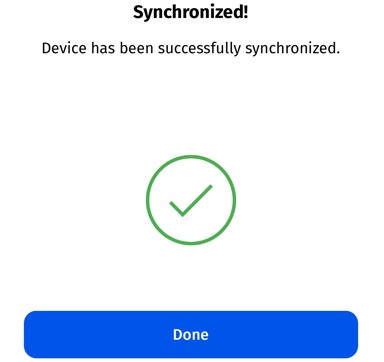
Synchronisation completed
- Connect the sensor (see Connecting the sensors).
- Wait until a couple of measurement values have been recorded. The waiting time depends on the configured record interval (see Device settings )
- Trigger the synchronisation between Lizzox Pure Flood and the myDatanet server again to transmit the recorded measurement values to the myDatanet server.
- Wait until the "OnSite Companion" smartphone app indicates that the synchronisation process is completed.
- Click on the "Direct Report" symbol in the list of sites/applications to display the
data saved on the myDatanet server.

- Check whether all of the data up to the point of the synchronisation is present and plausible. Pay particular attention to the main level reading and the signal strength of the mobile network.


