Online help for Jellox Pulse Pro
General product information
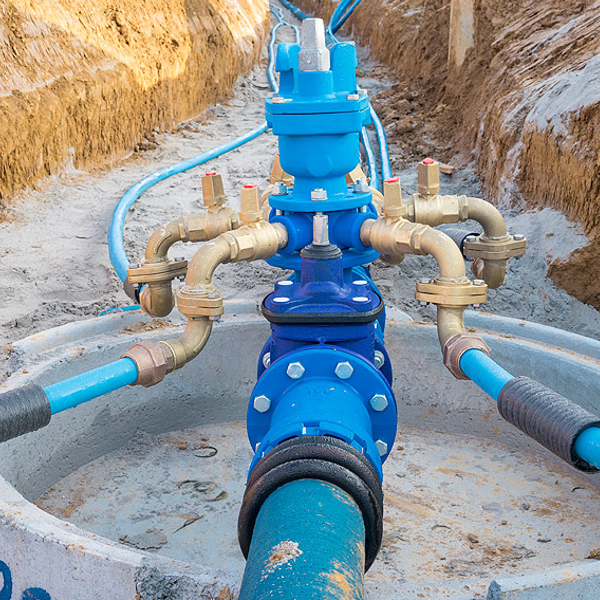
The Jellox Pulse is designed for use in the water distribution environment (i.e. transport of water to consumers via a network of pipes, pumps and storage facilities). It is a compact, battery operated, stationary device designed for operation in inspection chambers without explosive atmosphere used to record pulses from water meters as well as the switching states of digital contacts. These can be the output signals of bulk water meters or MID compliant meters, as well as the switching states of gate valves, floats or door/shaft/lid opening contacts. The Jellox Pulse is therefore suitable for meter monitoring, quantity recording and the detection of pipe bursts (via flow rate), of access to the infrastructure (via door, manhole or cover contact), of valve positions or water ingress (via float contact). It has 4 inputs, that can be configured either as counter or as digital input. A counter or digital contact can be connected directly to the inputs without using an additional power source. Thanks to the built-in battery and the integrated SIM chip, the Jellox Pulse works completely independently and is perfect for long-term use.

Product characteristics:
- Extremely compact design
- Ecodesign
- Configuration of the device via web interface
- Adjustable record and transmission interval
- Location-independant management of the measurement sites via internet
- Integrated, durable SIM chip
- Device time synchronised with the sever
- Very low commissioning & operating costs
- Variants available with internal antenna or with external antenna connection
Application:
- Infrastructure monitoring
- Bulk water meter monitoring
- Quantity recording
- Pipe burst detection
- Remote meter reading
This online help is applicable from:
Frequently asked questions (FAQs)
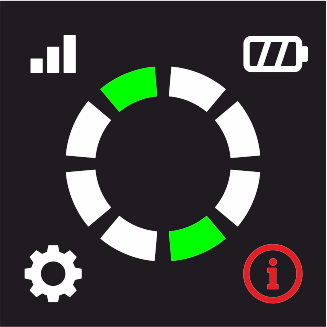
 What do the error codes mean?
| Indicated error code | Explanation |
|---|---|
|
last connection failed |
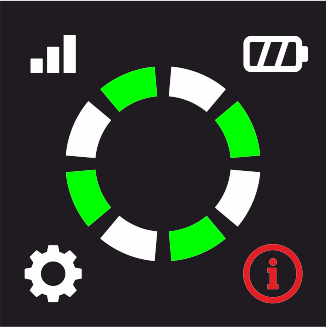
|
Blocked meter output detected |
A detailed explanation is provided in section Error codes.
Is it mandatory to connect an antenna for the variant with external antenna connection?
Yes.
The variant with external antenna connection does not have an internal antenna. An external antenna is therefore mandatory. We recommend the "Dome antenna multi band FME-F 3m " (301211).
A list of available antennas is provided in section Antennas.
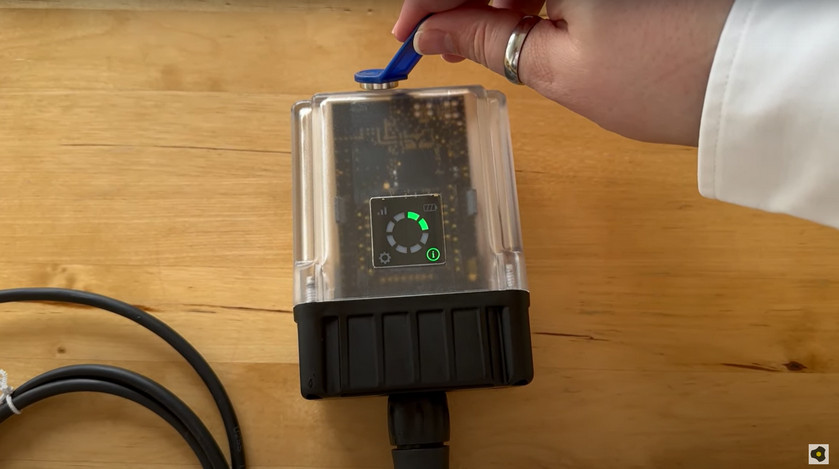
How do I initiate a connection?
|
| How-To-Video: Triggering the Aloha transmission mode |
Tap the MDN Magnet (206.803) for at least 3 sec. on the position shown in the following figure.
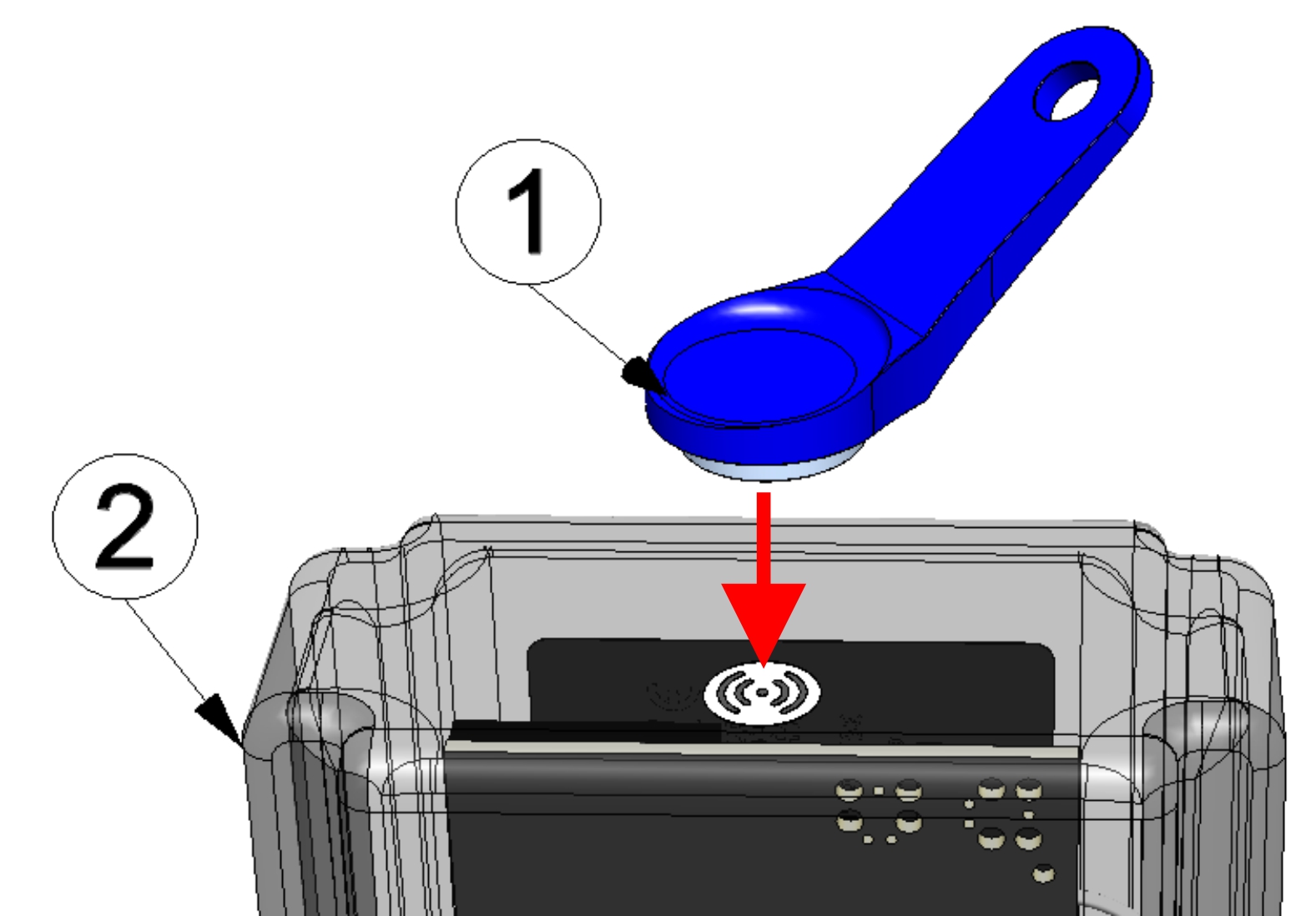
| 1 | MDN Magnet (206.803) | 2 | Jellox Pulse |
How do I activate the display?
Briefly tap the MDN Magnet (206.803) (approx. 1 sec.) on the position shown in the following figure.
When tapping the first time after activating the display, automatic switching between the display of the error codes (provided there are active errors) and the current operating state is deactivated. After that, you can switch to the next tab everytime you tap again.
| 1 | MDN Magnet (206.803) | 2 | Jellox Pulse |
How do I connect a meter or a digital contact?
| Sensor connector (7-pin MIL connector) | Connection cable | Signal | |
|---|---|---|---|
|
Sensor connector
Connection cable |
A | White | Input 3 |
| B | Gray | Input 4 | |
| C | Pink | Reserved for extensions | |
| D | Yellow | Input 2 | |
| E | Green | Input 1 | |
| F | Blau | Reserved for extensions | |
| G | Brown | Ground |
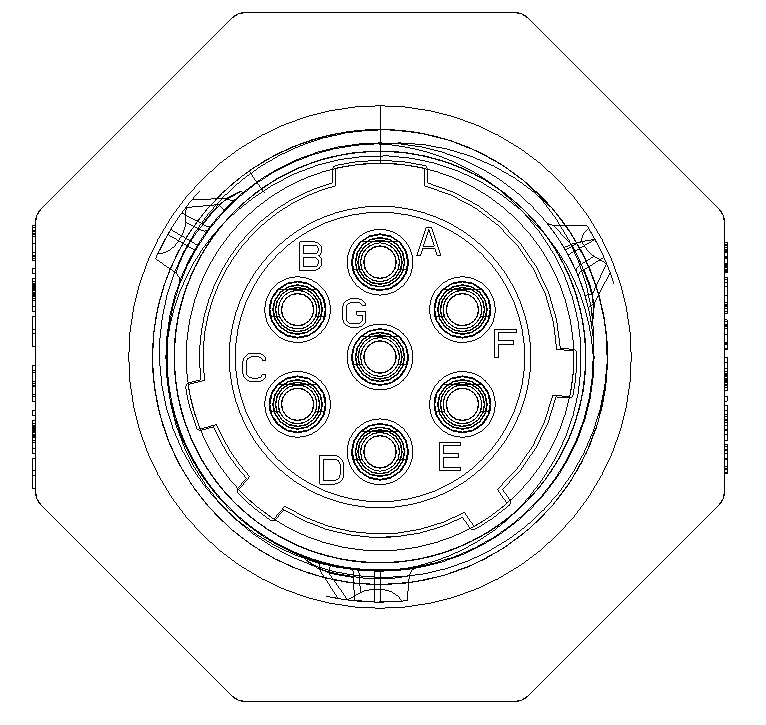
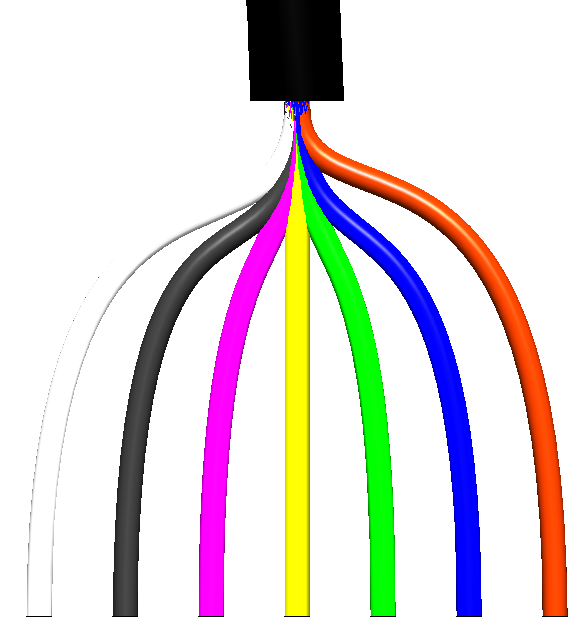
A detailed explanation is provided in section Connecting the meters and the digital contacts.
How do I set the start value for a meter?

|
To set the meter reading, the Jellox Pulse must be in Aloha transmission mode |
Switch to the configuration section Measurement system. The input window for setting the meter reading can be opened via the three-dot menu at the end of the line representing a measurement channel.
A detailed explanation is provided in the Quick Start Guide under Set start value for meter reading.
Which meters and sensors are compatible with the Jellox Pulse
?
Meters and sensors with isolated switch contact can be connected directly to the inputs of the Jellox Pulse . There is no additional energy source required. A detailed description of the inputs is provided in section Technical details about the inputs.

|
Meters and sensors with active output (i.e. voltage output) or S0 interface are not compatible. |
In addition, Microtronics Engineering GmbH is constantly testing various meters and sensors for compatibility with the Jellox Pulse . A list of compatible sensors is provided in section Compatible sensors.
How do I deactivate the Jellox Pulse
again?
Transport mode is deactivated when triggering the Aloha transmission mode (see Aloha transmission mode) and cannot be reactivated by the user.
If the Jellox Pulse should be stored for a longer period of time, it is recommended to deactivate the inputs (Mode "off", see Eingang im Modus "Digital") and to set the transmission interval to 6 h zu (see Geräte Einstellungen ).
A detailed explanation is provided in section Storage of the product.