Setup mode
Setup mode is a special operating mode where the server assignment is verified before a connection to the myDatanet server is established. Setup mode is activated by holding the magnet to the reed switch for at least three seconds (see Reed switch).
If the local radio connection between Jellox Node and one of the sensor modules is lost (E003, see Error codes), the search for remote sensors is initiated before establishing a mobile network connection to the myDatanet server when setup mode is activated.
|
|
|
How-To-Video: Triggering the setup mode |
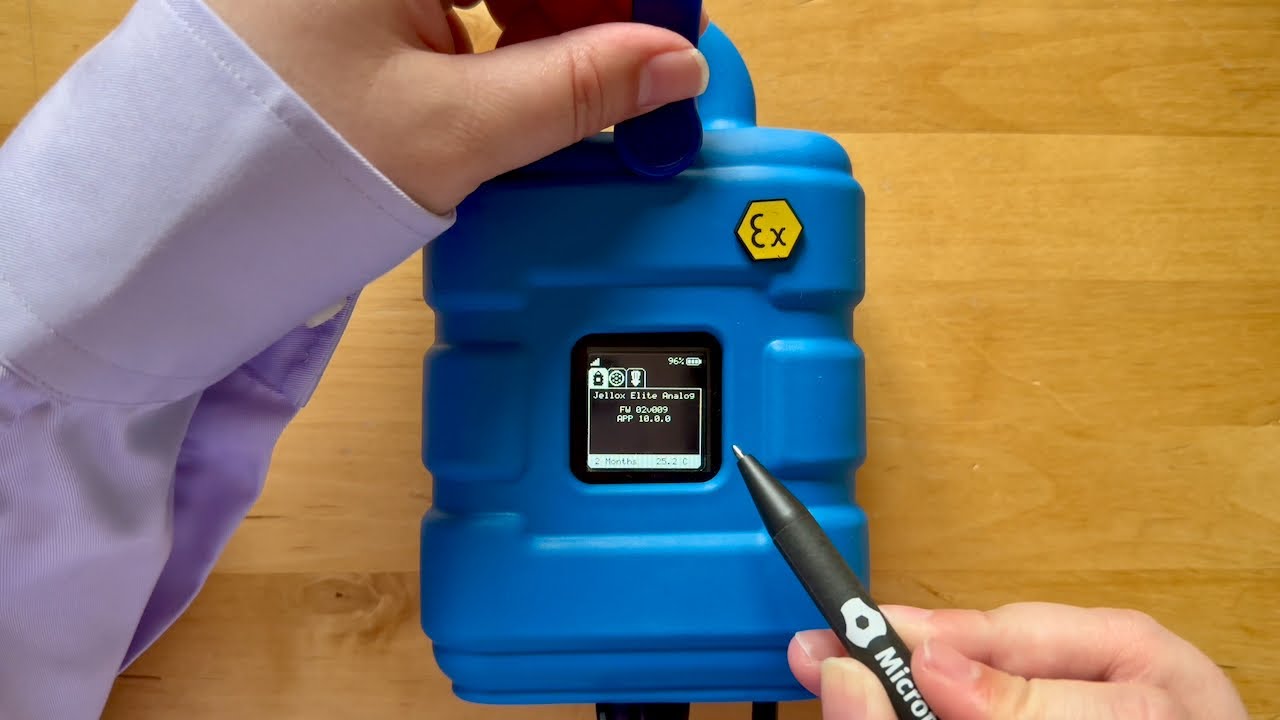
- Activate the setup mode by holding the magnet to the
reed switch for at least 3 seconds (see Reed switch).
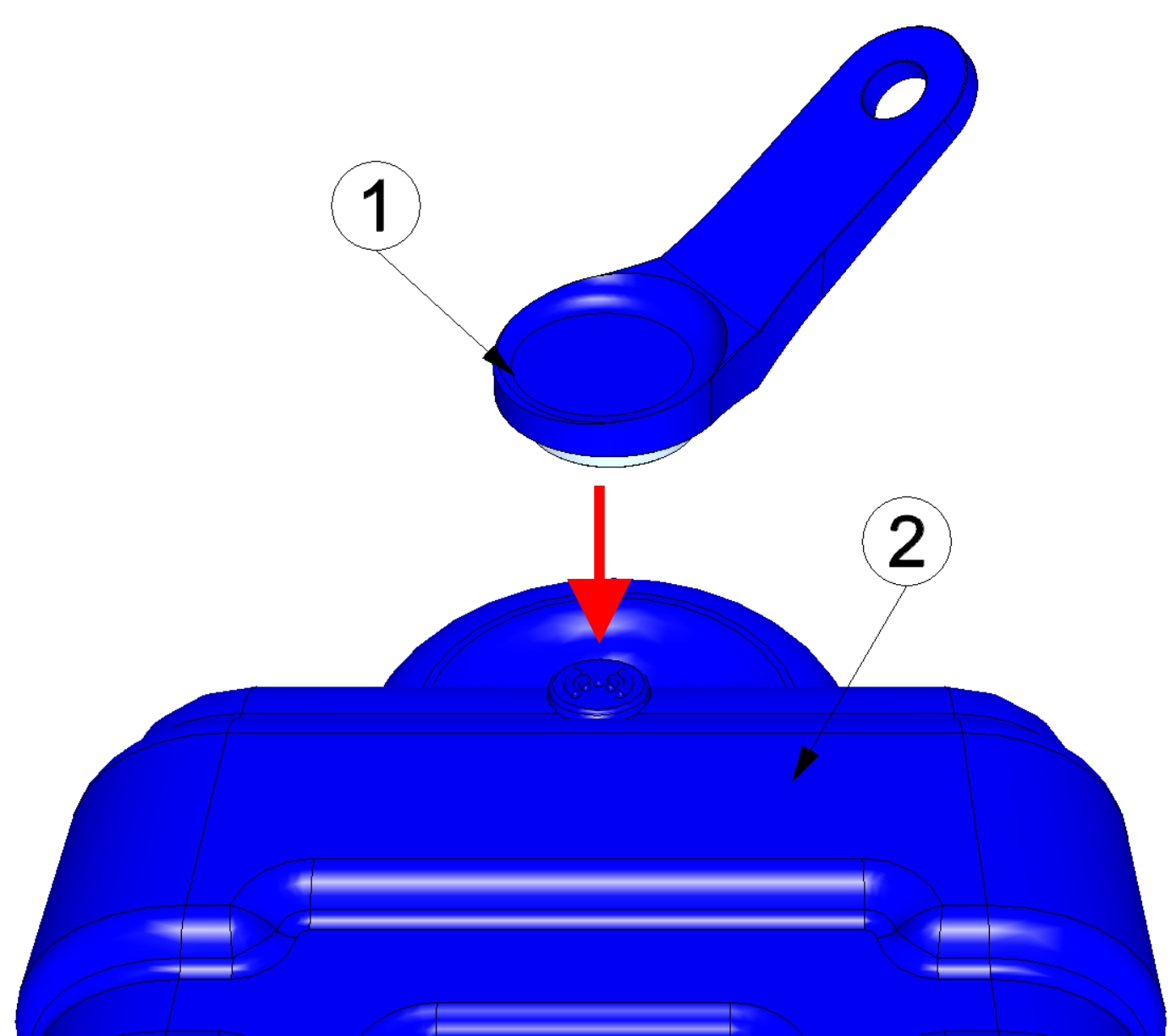
Activating setup mode
1 MDN Magnet (206.803) 2 Jellox Node On the display of the device, first the connection establishment and then the data synchronisation are signalised via the corresponding symbole (circles forming one circle).
Tip: To check the current operating state, you may need to activate the display again by briefly holding the magnet (approx. 1 sec.) to the reed switch (see Reed switch). - Wait until it is indicated in the list of
sites/applications that the device is connected to the server (rotating
arrows).
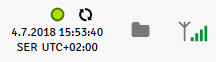
The Jellox Node is only for a very shor time connected to the server. You can therefore check whether the time stamp of the last connection (underneath the green status symbol) has been updated.
In the configuration section "Measurement system" of the specific input mask for configuring the site (accessible by clicking on the name of the site in the liste of sites/applications), you can also see whether the device is currently connected to the server (see Measurement system).


