Inserting/replacing the SIM card
|
|
| How-To-Video: Inserting the SIM card |
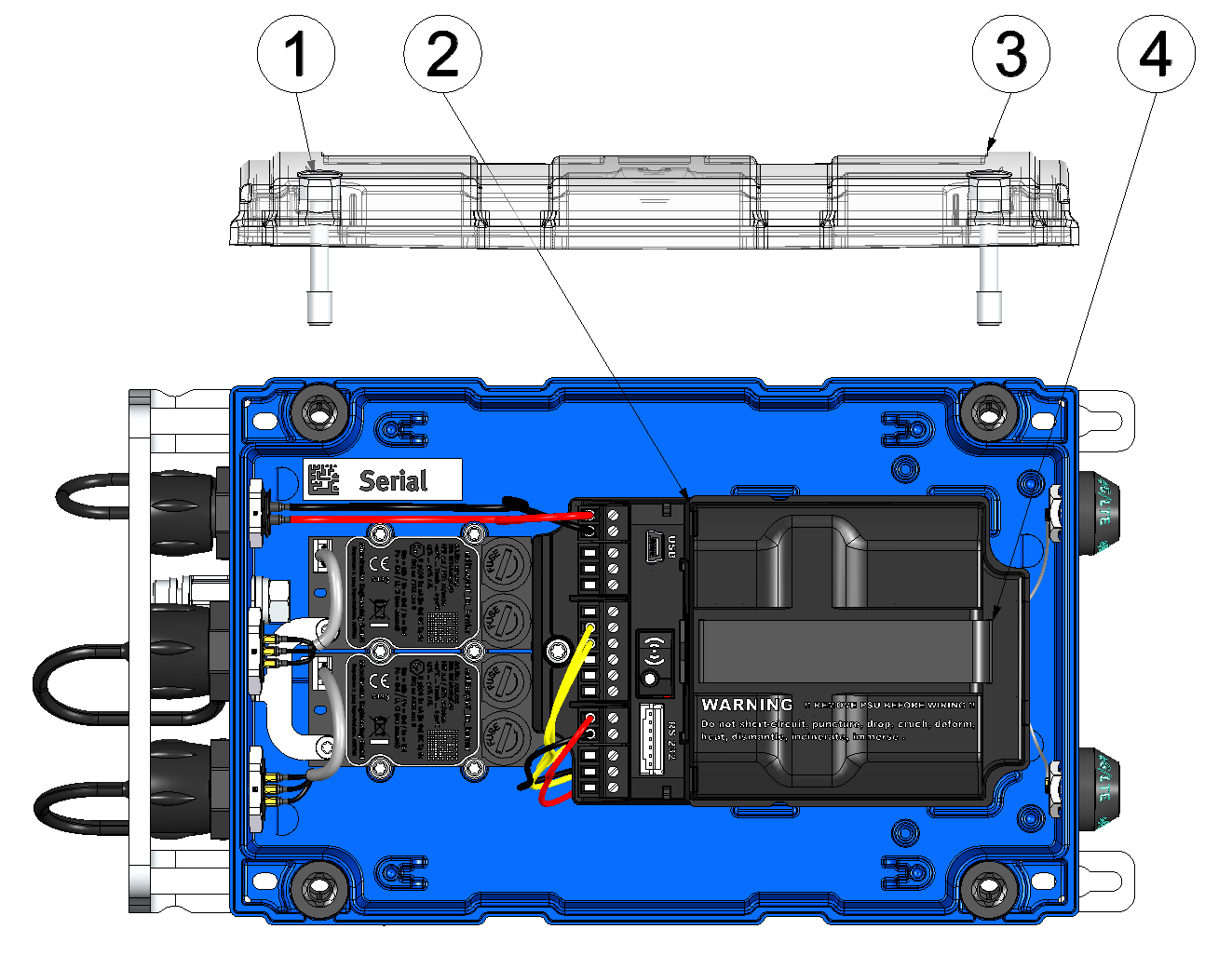
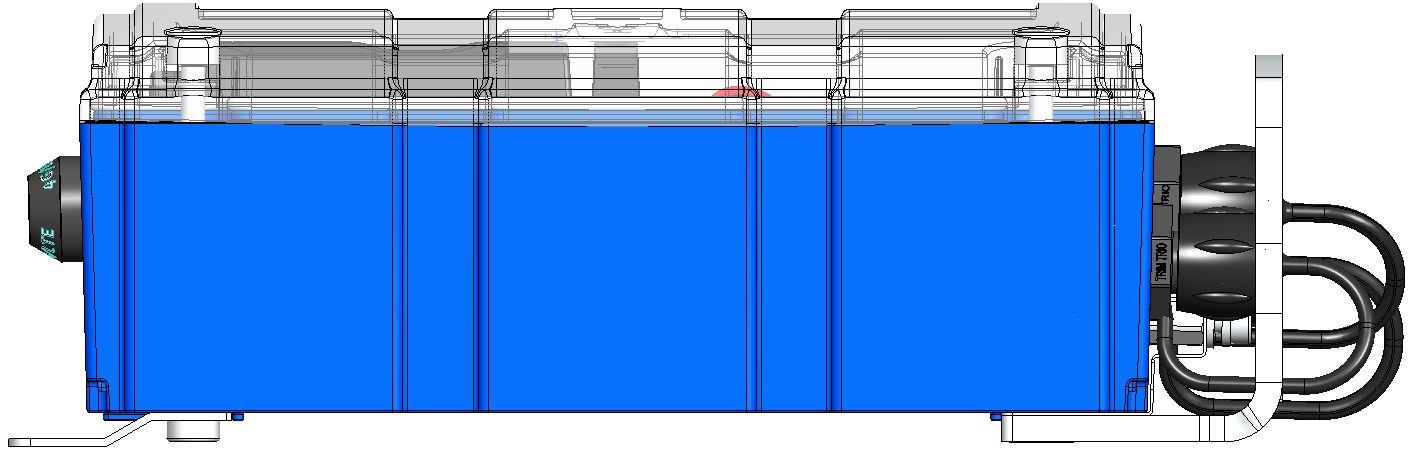
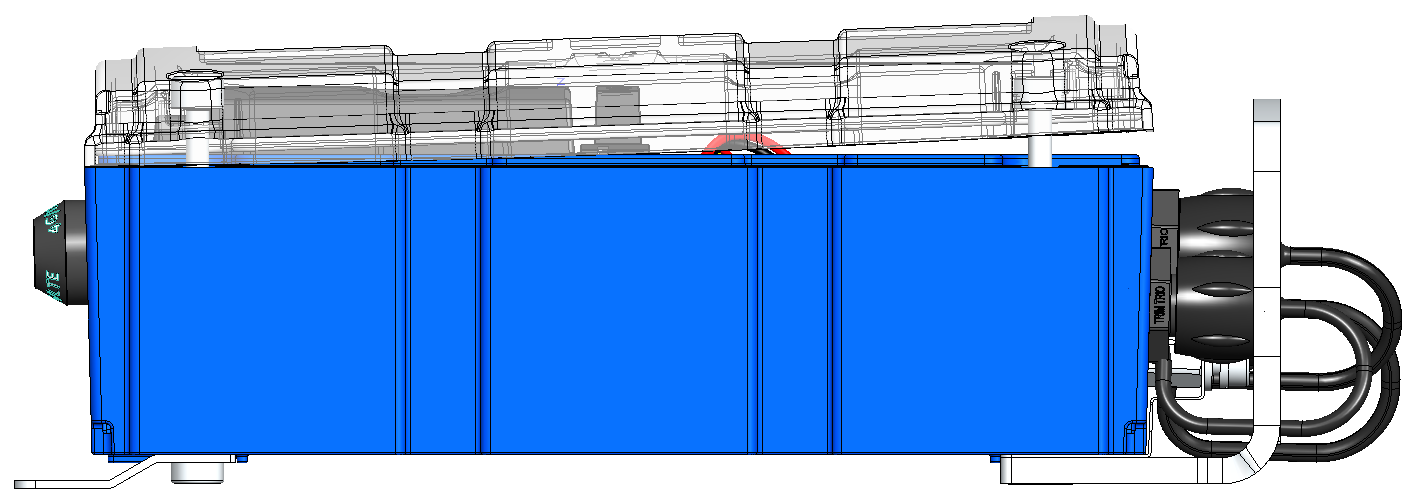
Opening the myDatalogEASY IoT ATEX
| 1 | Hexagon socket screw M6x30 | 3 | Housing cover |
| 2 | Power supply unit | 4 | Strap to remove the power supply unit |
- Remove the four screws that secure the housing cover. Now open the myDatalogEASY IoT ATEX .
Important: In the event of adverse weather conditions including rain or in a location where water can penetrate from above, suitable measures must be implemented to protect the device from penetrating moisture when the housing cover is open.
- Remove the power supply unit from the myDatalogEASY IoT ATEX . Use the strap provided to remove the power supply unit.
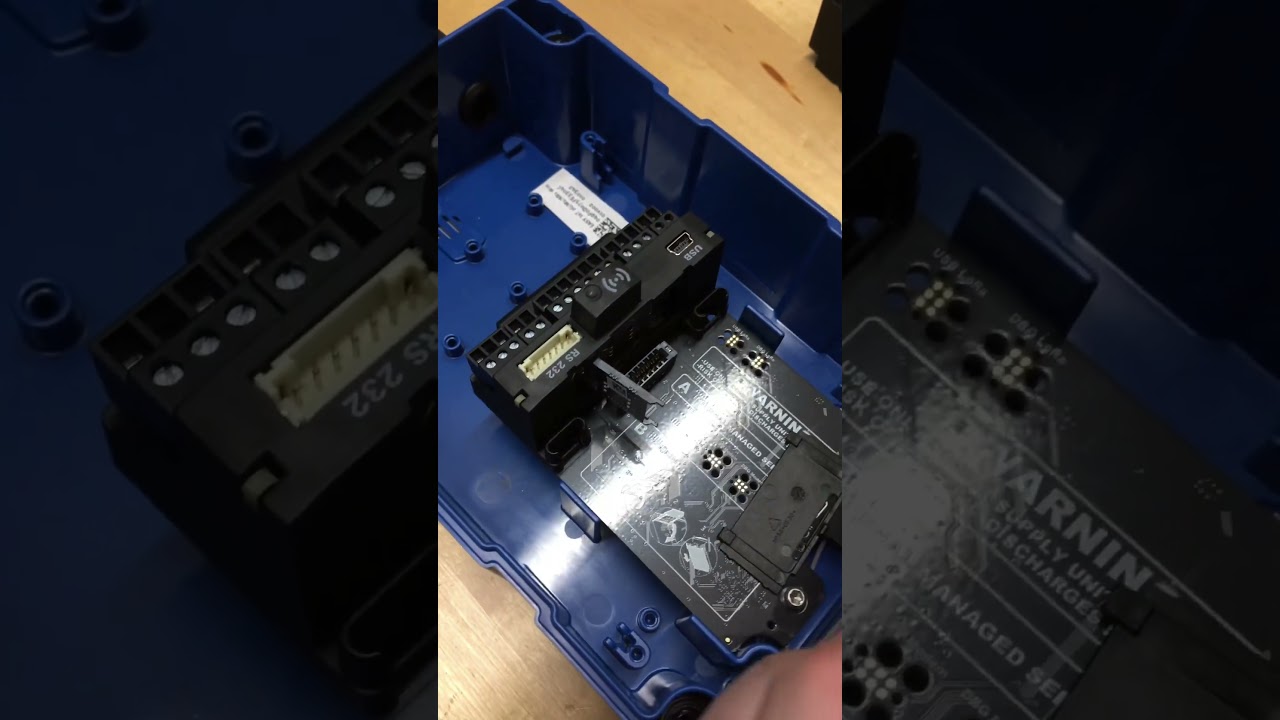
- Remove the SIM slot cover.
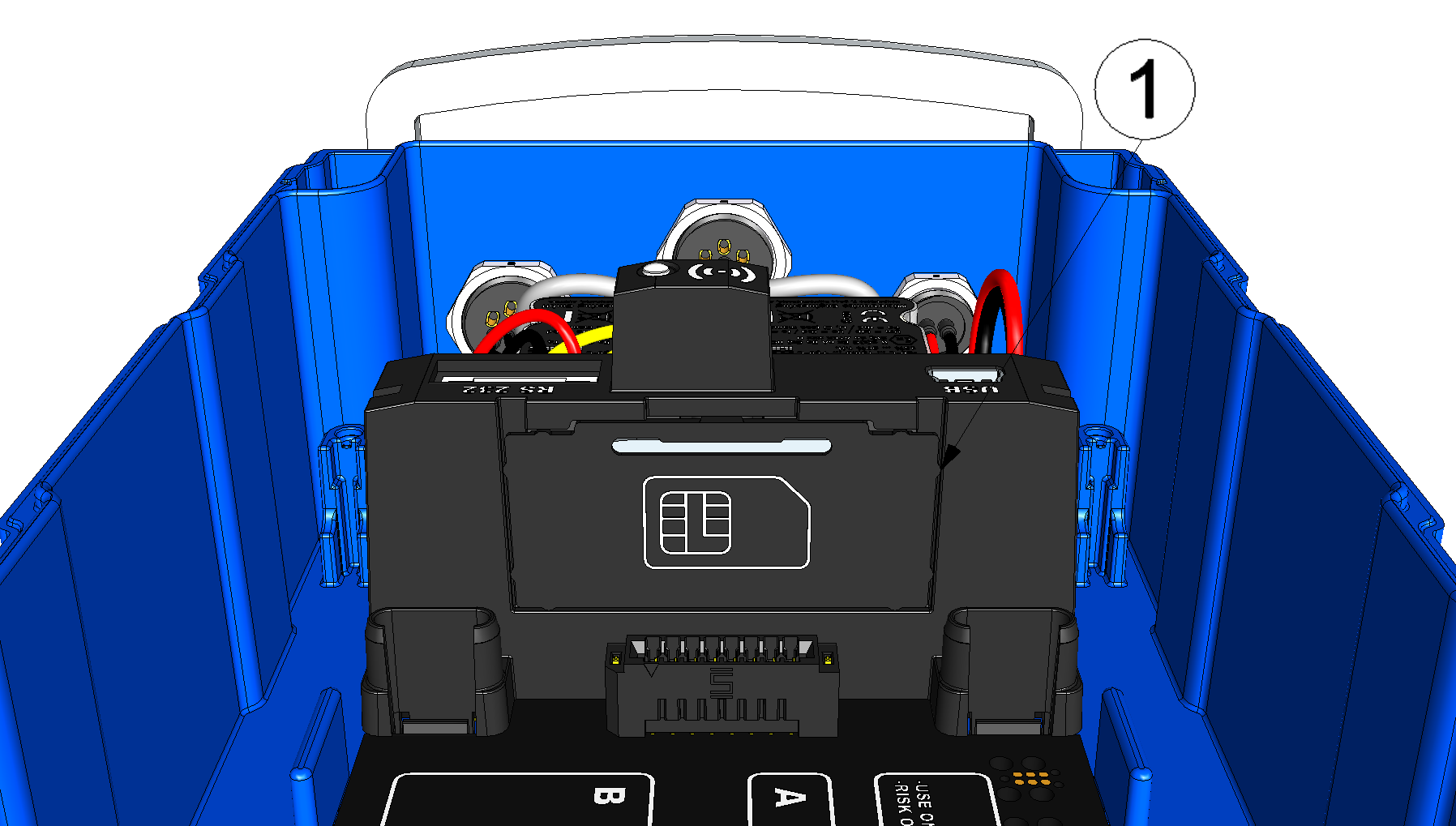
Opening the SIM slot cover
1 SIM slot cover - Insert the SIM as illustrated in Figure B on the circuit board of the myDatalogEASY IoT ATEX .

Figure on the circuit board of the myDatalogEASY IoT ATEX
- Connect the antenna (see Connecting the mobile network antennas). The antenna is not included in the scope of delivery and must be ordered separately.
- Reinsert the cover of the SIM slot and the power supply unit.
- Check whether the connection to the myDatanet server has worked correctly (see Testing communication with the device).
- Close the housing cover. The best option is to tighten the four screws crosswise
(torque: max. 1 Nm) so that
the housing cover is positioned evenly.
Important: Ensure that the seals are clean and intact before closing the housing cover. Remove any impurities and/or dirt. The manufacturer shall not be liable for any damage to the device caused by leaky or faulty seals.
- Check that the housing cover is positioned correctly on all sides and that no foreign
materials have been trapped between the housing and housing cover.
Important: The manufacturer is not liable for any damage that is caused by housing covers that are not closed correctly.