Connecting a Device via USB
- Start the DeviceConfig
configuration program.
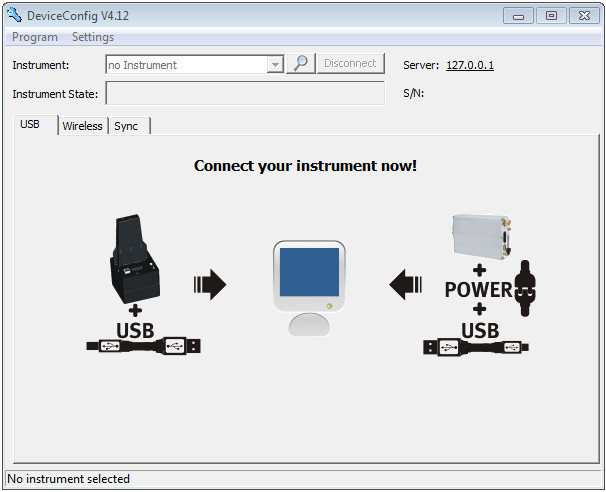
DeviceConfig
- Connect myDataconC3 to the PC using a USB cable.
- Select your device based on the serial number from the list of devices found.
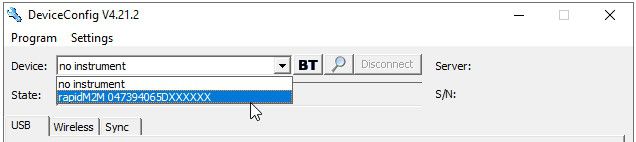
List of devices found
- Wait until the DeviceConfig
has received the configuration of the device. Depending on the device, additional tabs may be displayed.
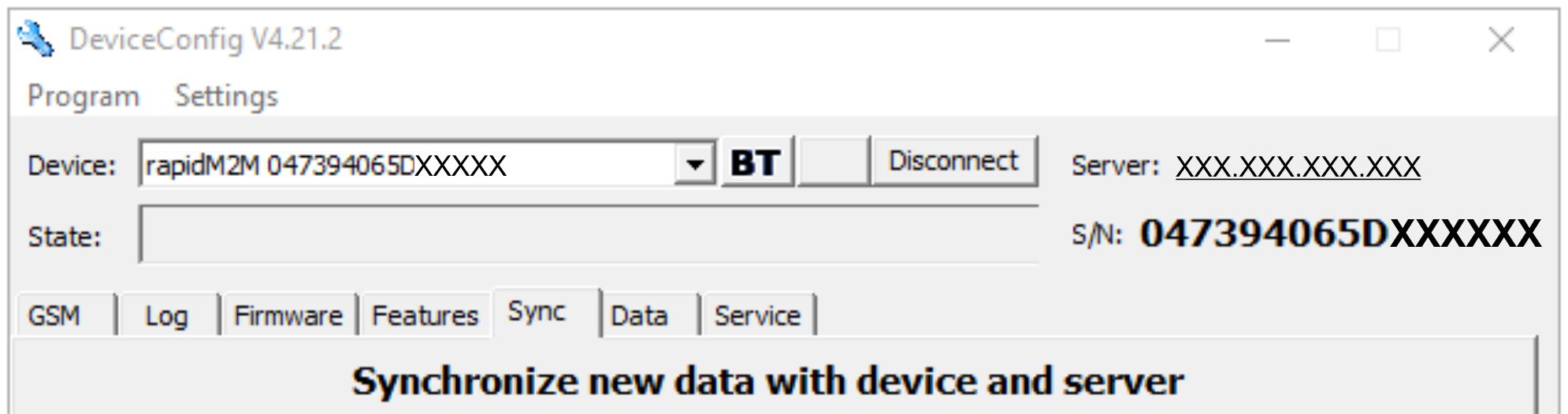
"Sync" tab when actively connected to the myDataconC3


