"Firmware" tab
This tab enables firmware to be installed directly via the USB interface or the local radio interface. There are two available ways to update the firmware:
- Using a previously downloaded firmware package
- By directly loading from the myDatanet server
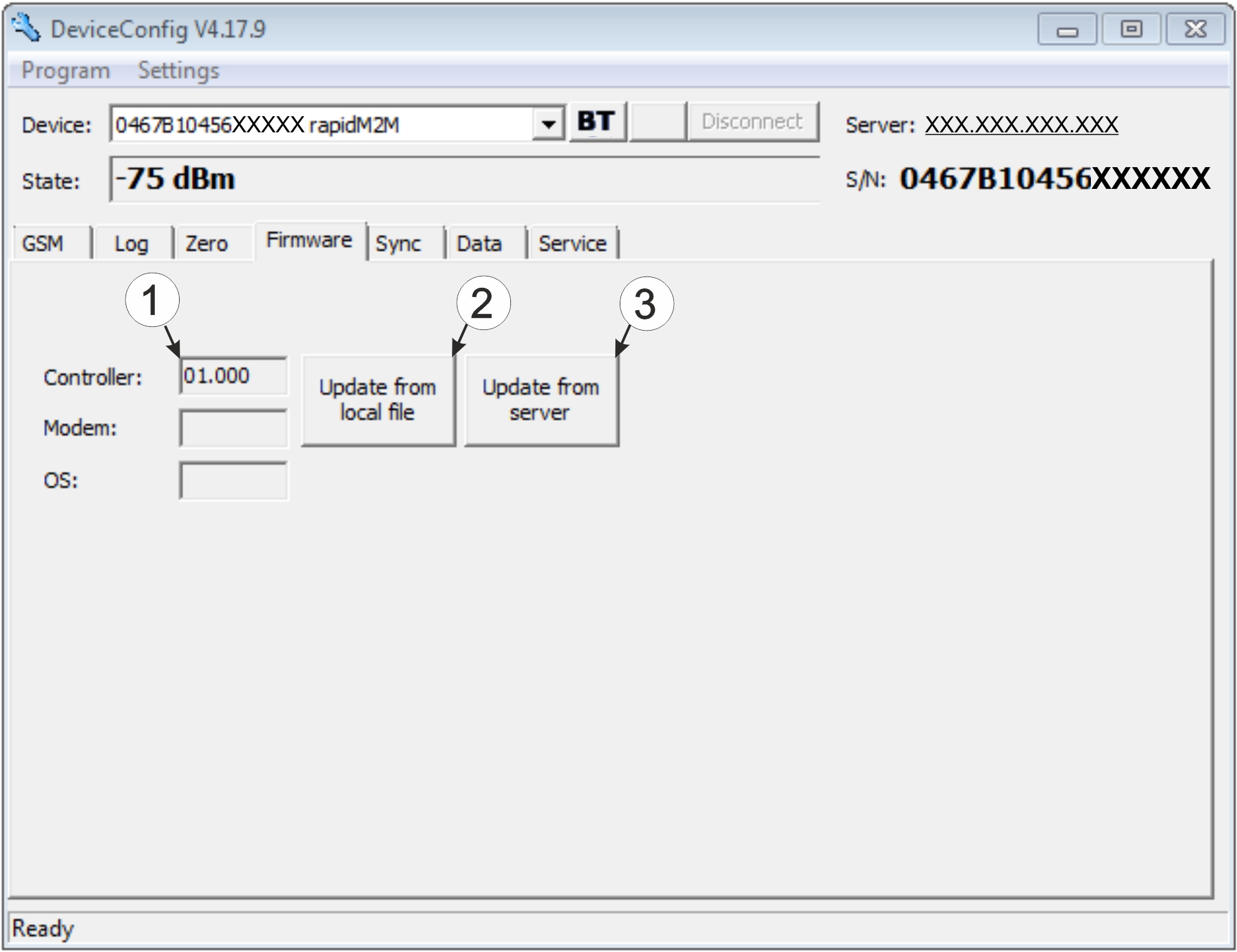
"Firmware" tab
| 1 | Currently installed software version | 3 | The firmware is loaded directly from the server and installed on the device. |
| 2 | Button to install a previously downloaded firmware package |


