Installation
The following chapter describes the installation process in Windows 7.
- Execute the "InstDeviceConfig.exe" file to start the installation process.
Tip: Only connect the device or USB Adapter (300685) to your PC once the installation process has completed as the required drivers are only installed during this process.
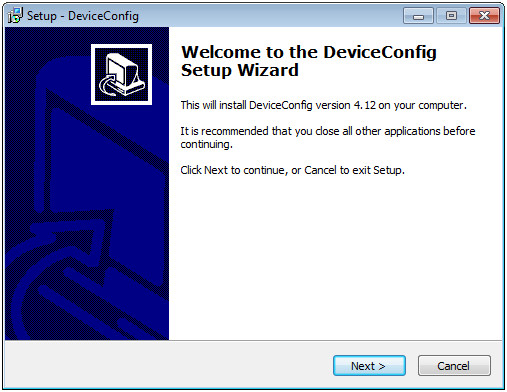
DeviceConfig setup wizard
- Follow the instructions of the setup wizard until the following screen is displayed.
The following drivers must be installed to ensure correct operation.
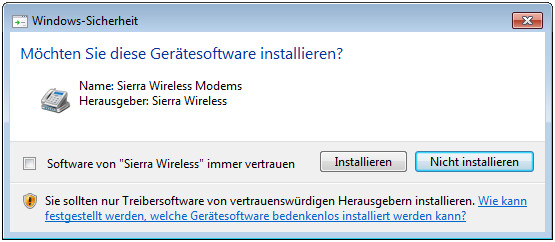
Installation of the USB drivers for the devices
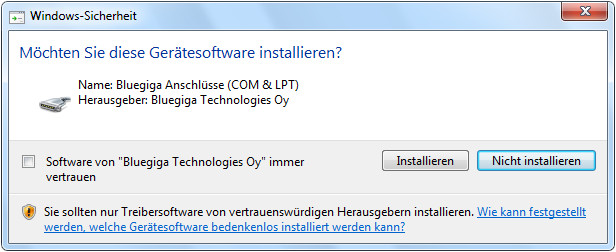
Installation of the drivers for the USB Adapter
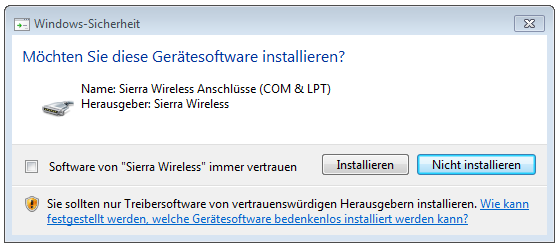
Installation of the USB drivers for the devices on a M1 basis

Installation of the USB drivers for the devices on a M2/M3 basis
- Once the following screen is displayed, close the installation process by clicking on the "Finish" button.
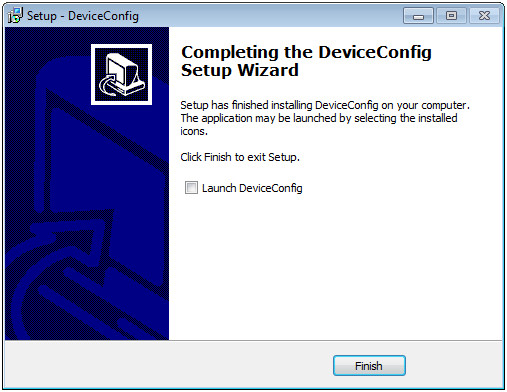
Complete the setup


