Display
- Do not touch the display with sharp objects, such as the tip of a pen.
- Do not stand or place any objects on the display as this could scratch it.
General
The display of the Jellox Pulse is only designed to show the operating states and the error codes (see Error codes). The device cannot be operated via the display. It consists of 12 individual symbols lighted up by LED. The symbol for "operating state" can light up in different colours. All other symbols can only light up in green. The display is activated by briefly pressing the reed switch (approx. 1 sec.) (see Reed switch). The display then remains active for 30 sec. , showing subsequently the error codes (provided no active errors have occured) and the current operating state. Using the reed switch you can disable automatic switching between the tabs and switch manually between the display screens (see Reed switch).
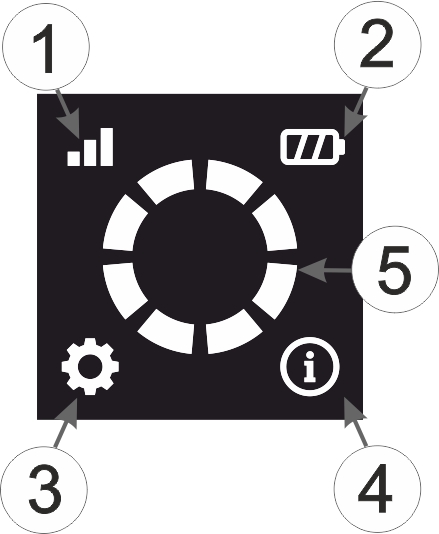
General structure of the display
| 1 | Status of the mobile network connection | |
| Off | Mobile network connection disconnected; wait until the next connection is established | |
| Blinking | Establishing connection | |
| Lights up | Connection to the myDatanet server established | |
| 2 | Reserved for extensions | |
| 3 | Reserved for extensions | |
| 4 | Operating state | |
| White | Transport mode activated (state upon delivery) | |
| Green | Operation according to configuration | |
| Red | Active error; error code is indicated using the info circle | |
| 5 | Info circle
Depending on the currently executed action or the status of the device, various information is displayed using the info circle:
|
|
| "RSSI" | |
|---|---|
| > -69 dBm |  |
| -70...-99 dBm |  |
| -100...-109 dBm | 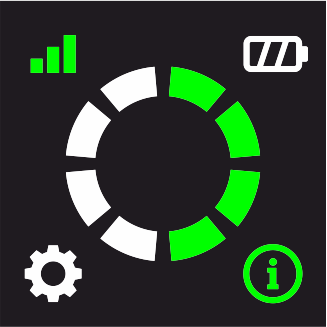 |
| -110...-124 dBm |  |
| -125...-200 dBm | 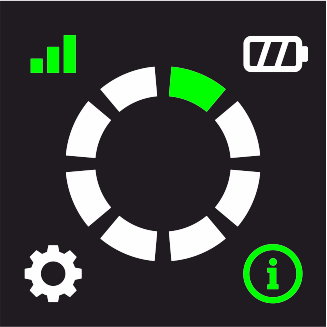 |
The following table contains an overview of the display indications resulting from the previous explanation of the individual symbols:
| Display | Explanation |
|---|---|
 | Transport mode activated (state upon delivery) |
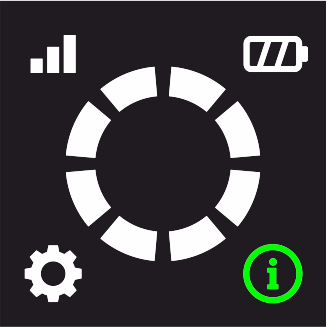 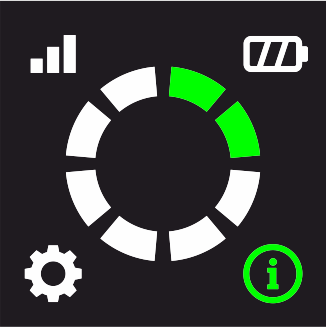 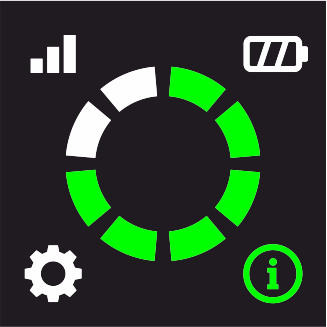 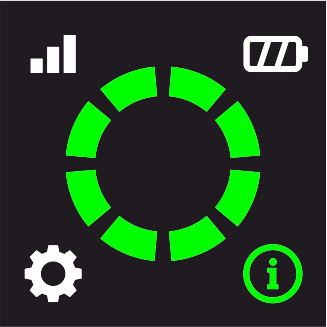 | Reed switch activated |
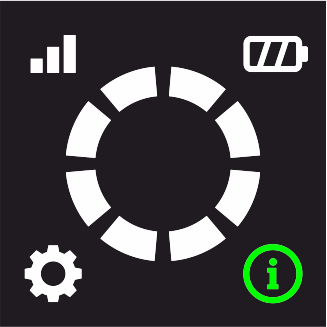 | Operation according to configuration; no active connection to the server |
 | Display has been activated during connection establishment initiated by the
device or a transmission has been triggered using the reed switch During connection establishment the symbol for the "status of the mobile network connection" is blinking. As soon as the connection has been established, it remains lit up. |
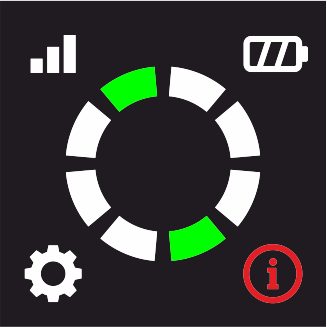 | Error code (see Error codes) |
Error codes
| Error code diplayed | Explanation |
|---|---|

|
last connection failed
If this problem occurs when triggering a transmission using the reed switch, the retries will be attempted as described in chapter Procedure in case of connection aborts. |

|
Blocked meter output detected
A meter output that is connected to an input operated in "Counter" mode has been closed for more than 2 sec. . Depending on the current operating state, the "status of the mobile network connection" symbole may also light up. |

|
Local radio connection to remote sensor not
possible
By briefly (approx. 1 sec.) pressing the reed switch (see Reed switch), the search for remote sensors can be initiated. Depending on the current operating state, the "status of the mobile network connection" symbole may also light up. |


