Set meter reading
Tip: The meter
reading can only be set when Aloha‑mode is active.
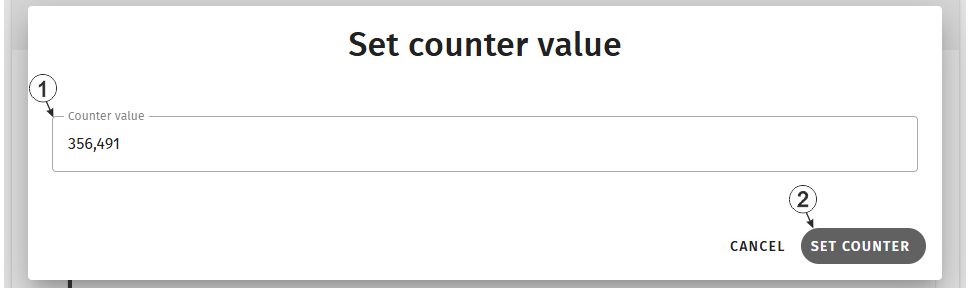
Input window "Set meter reading"
| 1 | Input field to edit the counter reading |
| 2 | Button for accepting the new counter reading. This button can only be operated if Aloha mode is active. |
Meter reading successfully set
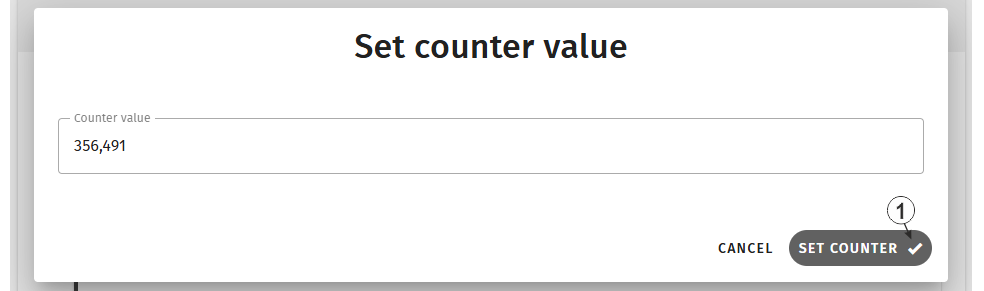
Input window "Set meter reading", meter reading successfully set
| 1 | Tick indicating that the meter reading has been applied |
Meter reading could not be set
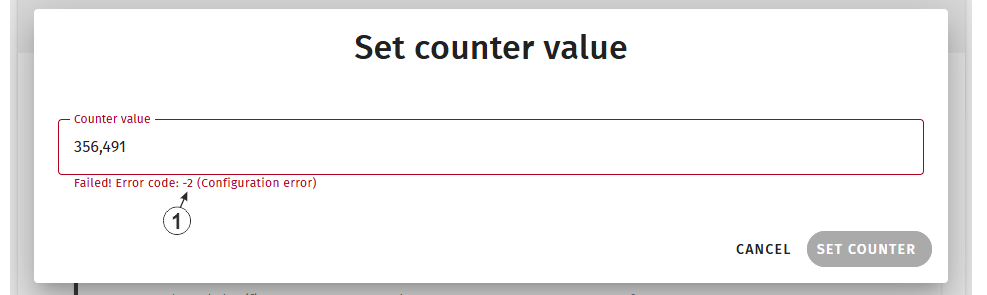
Input window "Set meter reading", Meter reading could not be set
| 1 | Error code indicating why the meter reading could not
be set
|


