Establishing a connection to a sensor module with local radio interface
The USB Adapter (300685) is required to establish a connection to a sensor module with a local radio interface. First of all complete the steps described in chapter Installing USB Adapter driver to install the drivers required to operate the USB Adapter .
- Connect the USB Adapter (300685) to the USB interface of your PC.
- Start the DeviceConfig
configuration program.
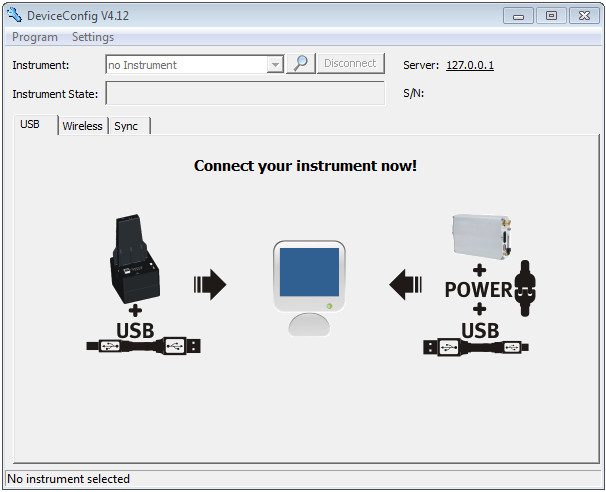
DeviceConfig
- Select your sensor module based on the serial number from the list of devices found.
Important: Sensor modules that are successfully coupled with a Jellox Analog are not displayed by the DeviceConfig .

List of devices found
- Wait until the DeviceConfig
has received the configuration of the sensor module. Depending on the sensor module, additional tabs may be displayed.

"Instrument" tab when actively connected to the sensor module
1 Radio signal strength [dBm] Tip: To ensure a stable connection, the wireless signal level should be higher than -90 dBm , i.e. for example -85 dBm . This is achieved by reducing the distance between the sensor module and the USB Adapter , and avoiding obstacles such as walls and similar.


